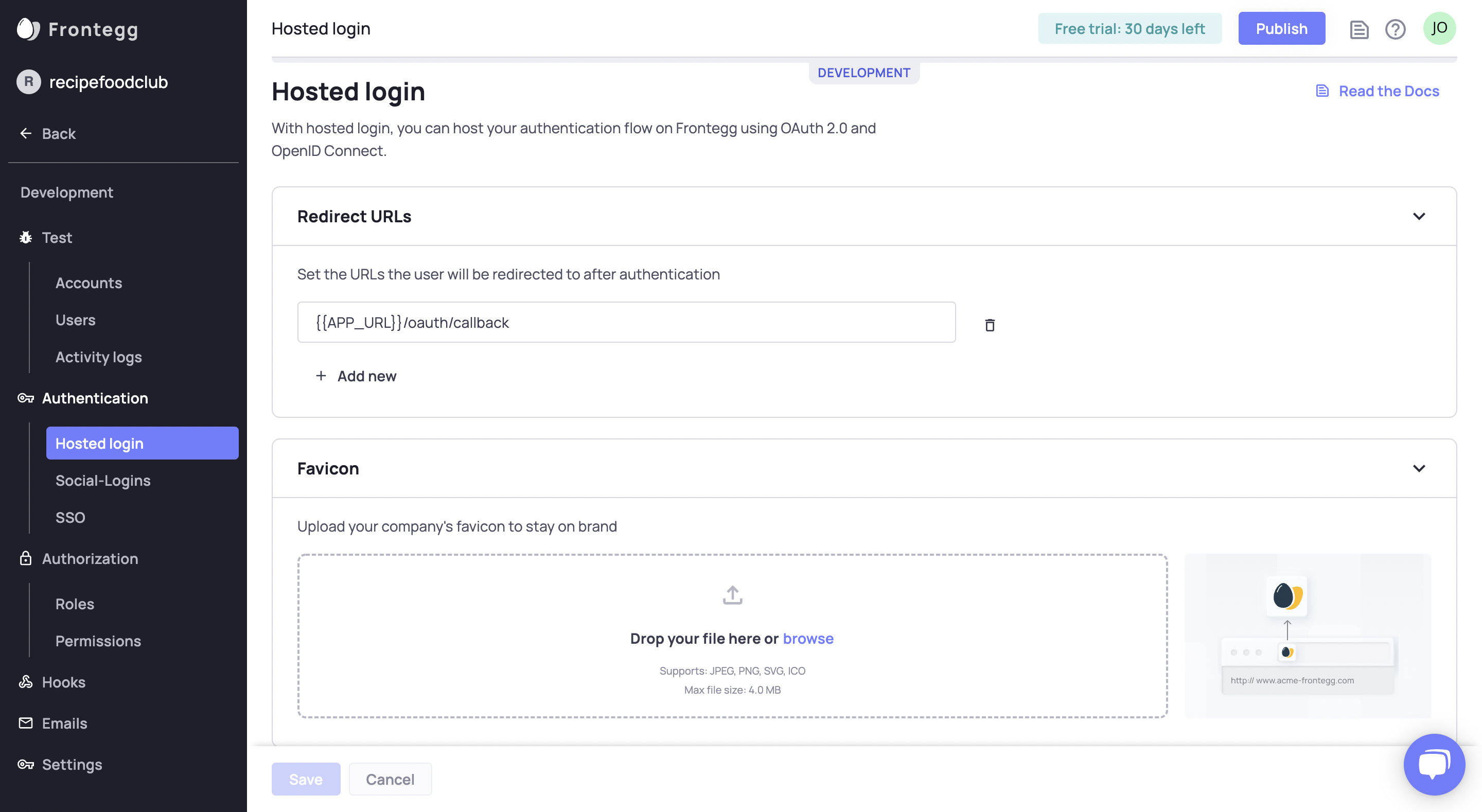
Configure the hosted login for each environment separately.
STEP 4: Redirect to login
In app.component.html, for non-authenticated users, clicking the loginWithRedirect() will navigate the user to the hosted login. Once the user is authenticated, the user info will be available on the user object available from the component.
<div*ngIf="!isLoading"><div*ngIf="user"><imgsrc={{user?.profilePictureUrl}}alt={{user?.name}}/><div>User name: {{user?.name}}</div></div><div*ngIf="!user"><button(click)="loginWithRedirect()">Login with redirect</button></div></div>
Great, Frontegg is now integrated with your app!
Frontegg Angular Set UpBibhuti Bhusan Sahoo
June 10, 2022
I have done by graduation with mathematics also completed master in computer application. Right now wroking as a softwere developer at NetTantra.Seeking opportunities where I can utilize my analytical, mathematical and technical skills to solve real life problems to draw insights that can help with business decisions.


0 comments:
Post a Comment